Rename Trace
- Hit the “Options” button.

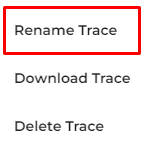
- Choose the “Rename Trace” option to rename your Trace.
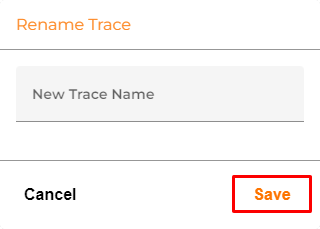
- Type in your new Trace name and apply it by pressing the “Save” button.
- Press “Cancel” if you don’t want to rename your Trace.
Changing the name could help you to identify the Trace you needed from the other Traces.